Skins for Web TV Launcher

9 skins that each try a different idea: a night sky, a sea floor, cut paper, a terminal, a poster, a toy box, an aquarium, a winter room and falling code. All of them are free, run without network access and were measured on a real 2 GB Android TV.

Install one on your TV

  1. Install Web TV Launcher first: how to set it up.
  2. On the TV, open Launcher settings → Install skin → Skin gallery and pick Use the Web TV Launcher gallery.
  3. Choose a skin and press Install, then Use it now.

Older launcher versions: open Install skin, scan the code with your phone and paste this link in “Gallery link”: https://paulbennet.github.io/AndroidTVLauncher/gallery/gallery.json

If that link does not load, use the mirror: https://cdn.jsdelivr.net/gh/paulbennet/AndroidTVLauncher@main/site/gallery/gallery.json

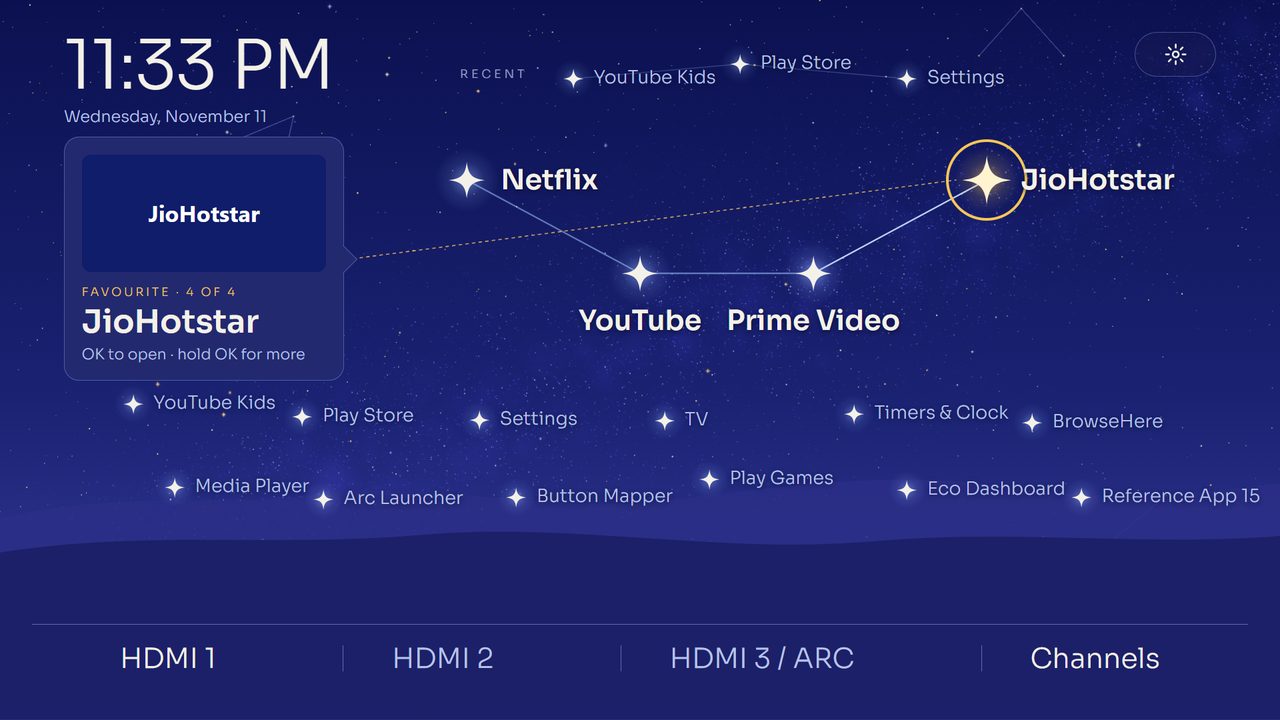
Constellation on a TV

Constellation

Level 3 · Standard · score 82 · 161 KB

Your apps as a night-sky map. Favourites form a bright constellation, other apps are fainter stars, and a three.js sky that can move in depth as you fly from star to star.

three.js sky painted once, then flattened to one picture; stars as focus targets placed by hand.
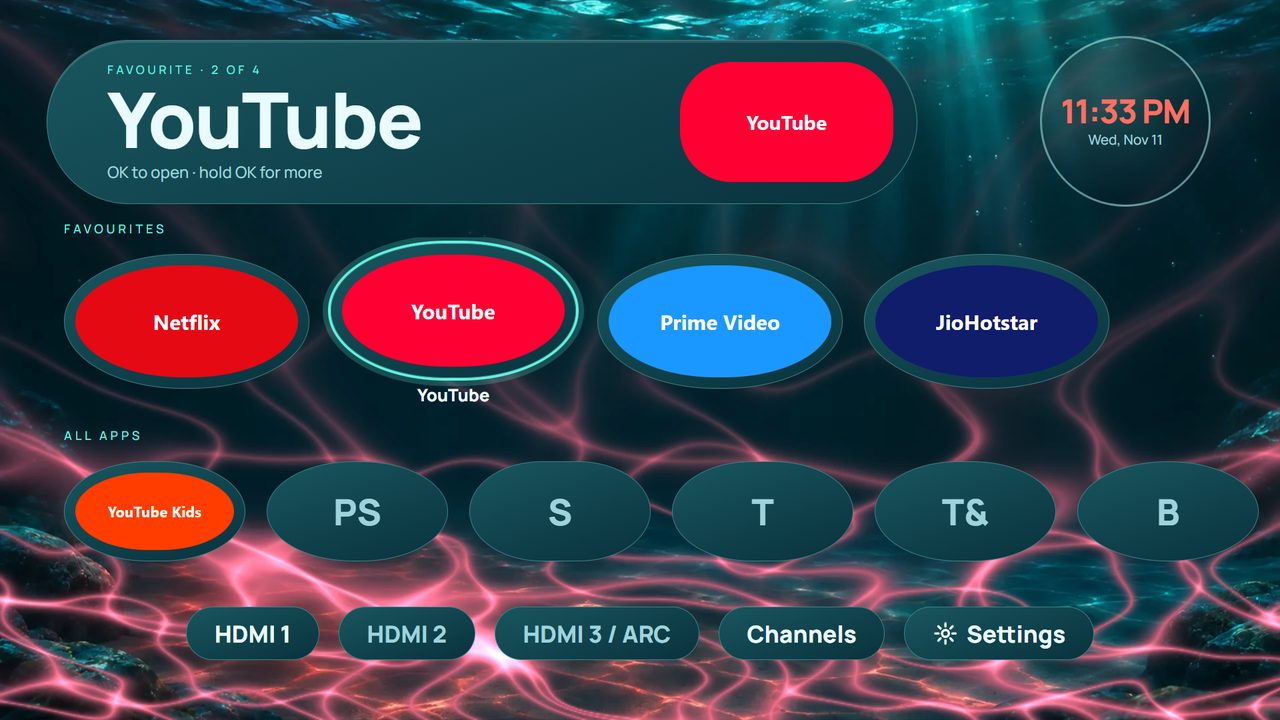
Tidepool on a TV

Tidepool

Level 3 · Heavy · score 77 · 221 KB

A calm deep-sea pool: glass pebbles for your apps, and caustic light (three.js) that takes the colour of the app you pick.

three.js caustic light baked into the sea-floor picture when the focus rests; opaque "glass" pebbles.

Paper Cut on a TV

Paper Cut

Level 3 · Heavy · score 84 · 166 KB

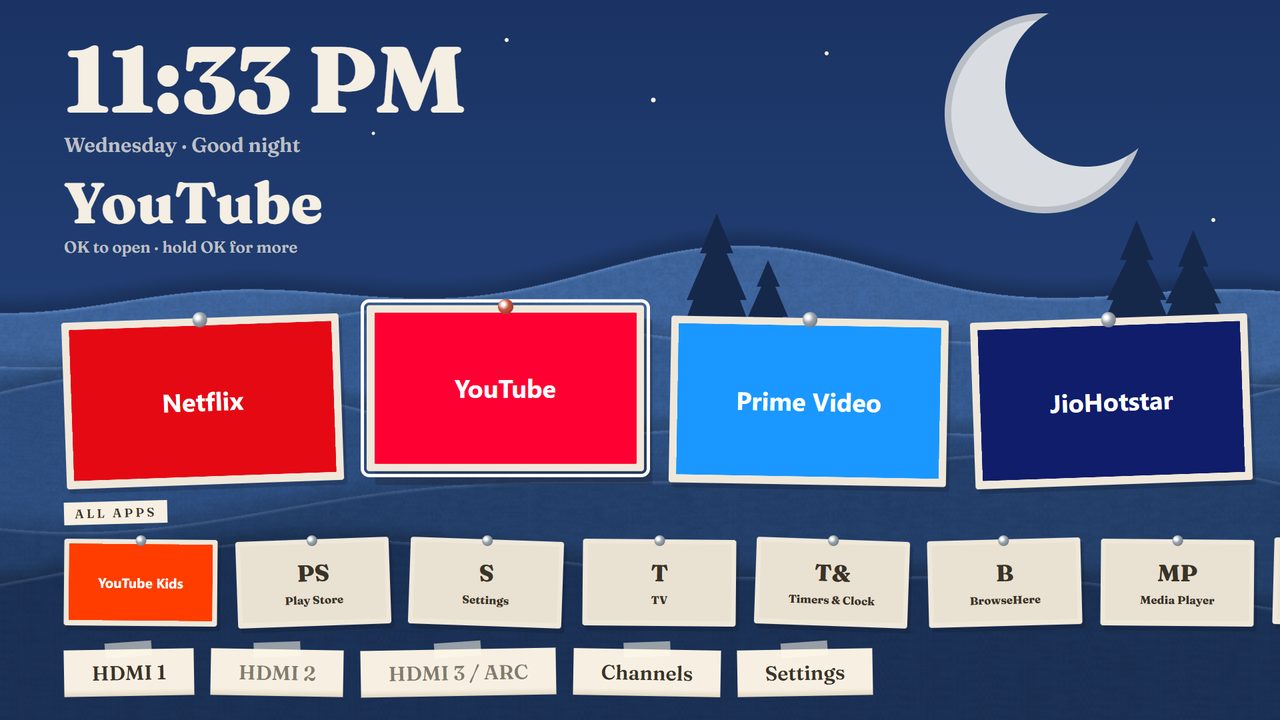
A hand-made paper diorama: layered paper hills (three.js) that follow the time of day, pinned paper cards for your apps, and optional depth motion.

three.js paper hills painted once per time of day; follows the clock (day, dusk, night).

Live Aquarium on a TV

Live Aquarium

Level 3 · Heavy · score 52 · 321 KB

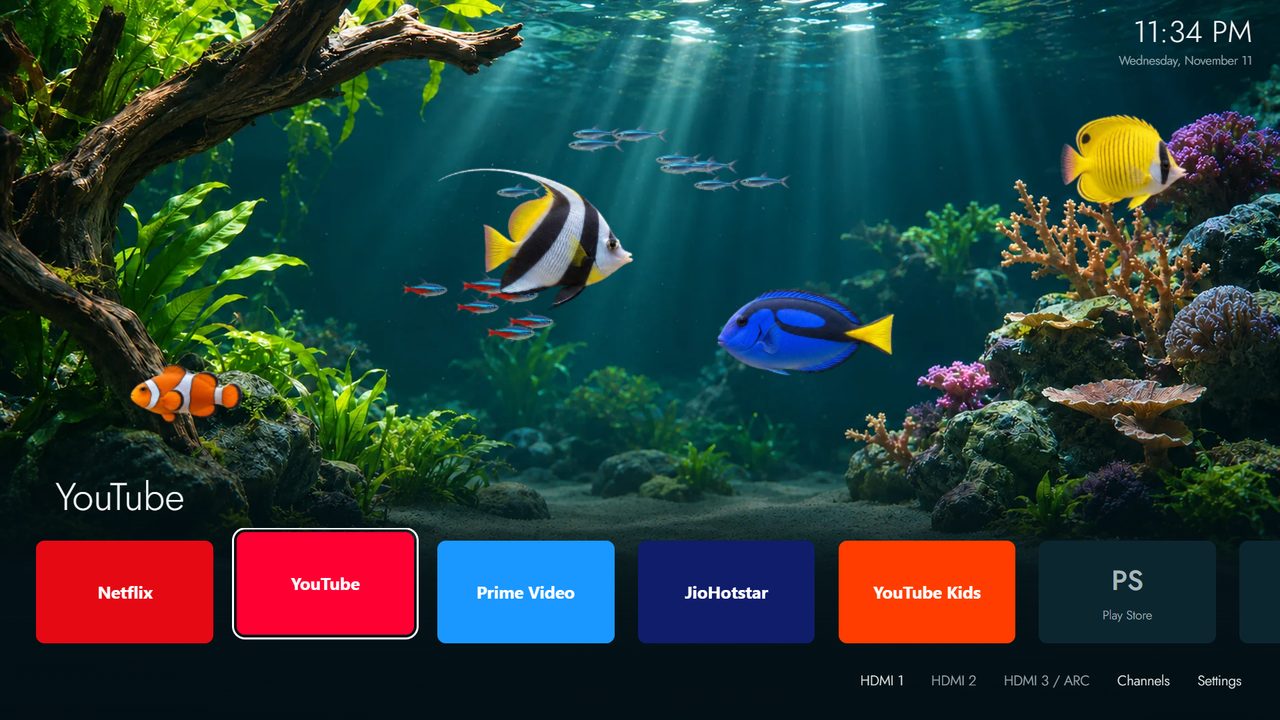
A planted reef tank fills the screen; fish swim for a while after each key press, then rest. Your apps sit in one quiet row, and the row steps aside when you only watch.

Live for 20 s after a key: fish cut-outs drawn on a canvas over a still tank, then the scene rests.

Holiday on a TV

Holiday

Level 3 · Heavy · score 47 · 289 KB

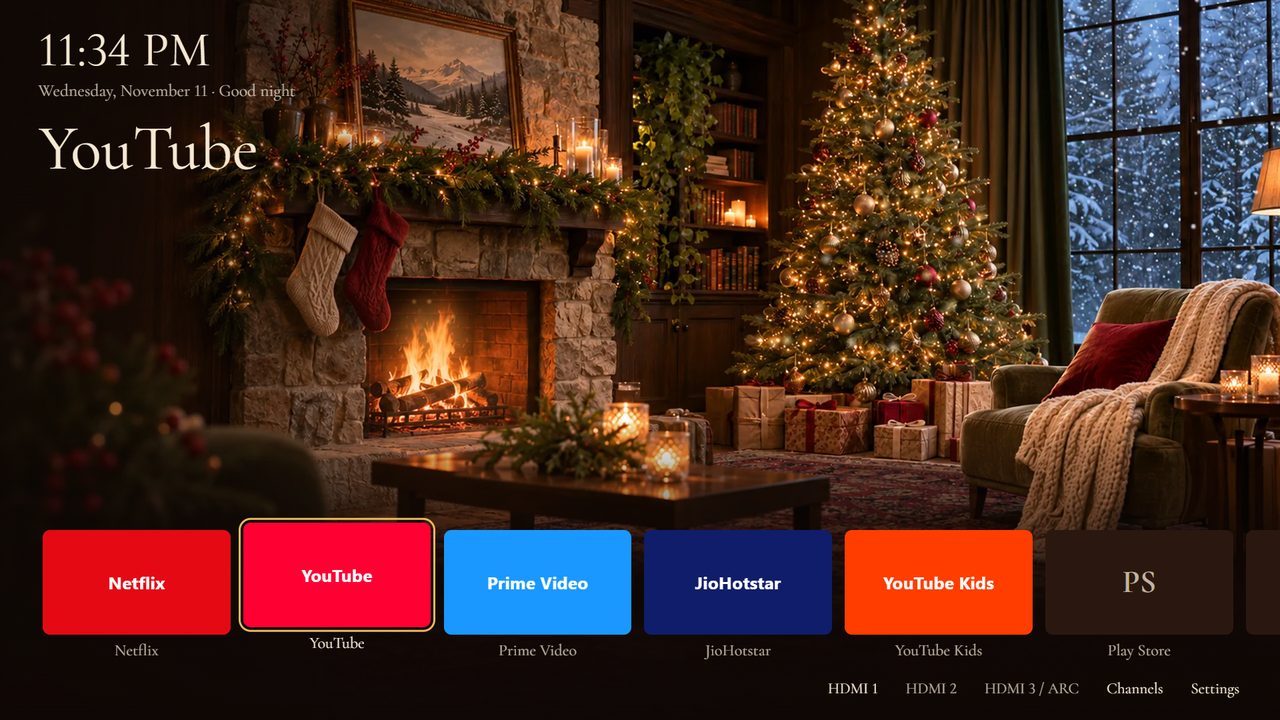
A cosy living room on a winter evening: the fire flickers, the tree lights twinkle and snow falls outside for a while after each key press. Your apps sit in one quiet row.

Live for 20 s after a key: fire glow, tree lights and snow over a still photo of the room.

Code Rain on a TV

Code Rain

Level 3 · Heavy · score 28 · 52 KB

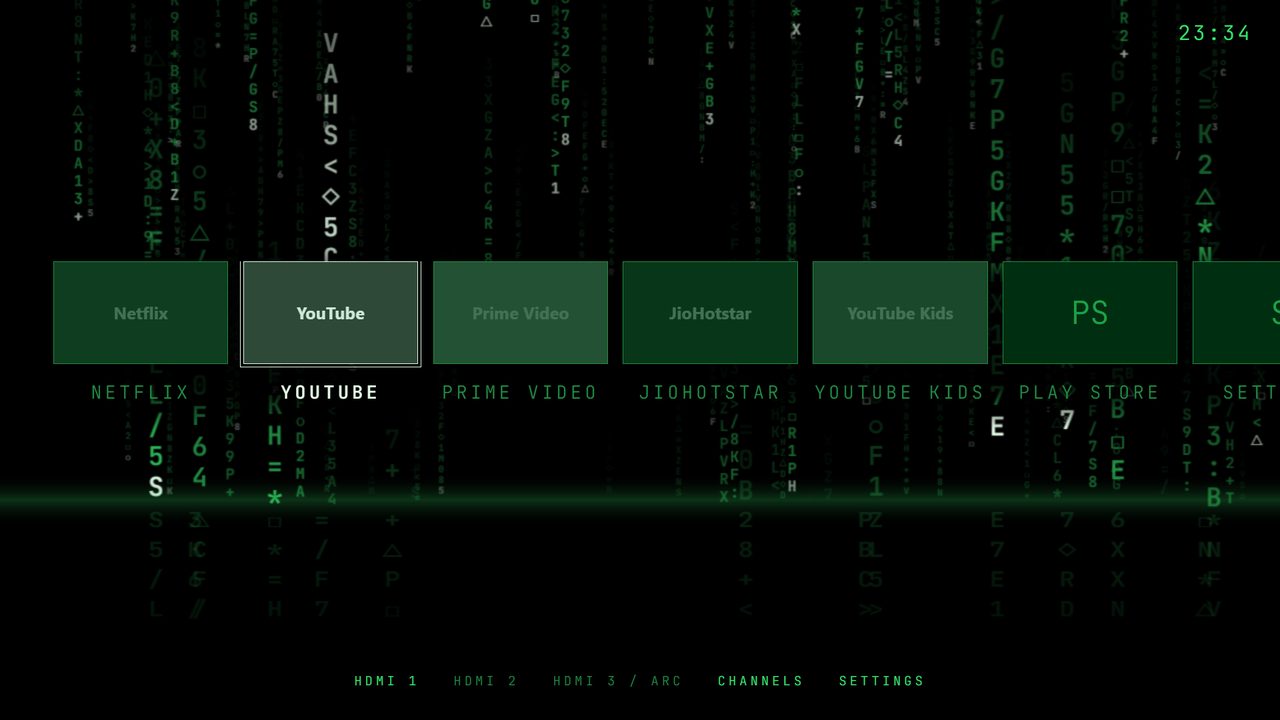
Streams of glowing code fall in depth over a dark floor. Each app is a stream that ends in its picture and name; the rain falls for a while after each key press, then holds still.

Live for 20 s after a key: three depths of glyph rain from sprite sheets; apps are portals in the rain.

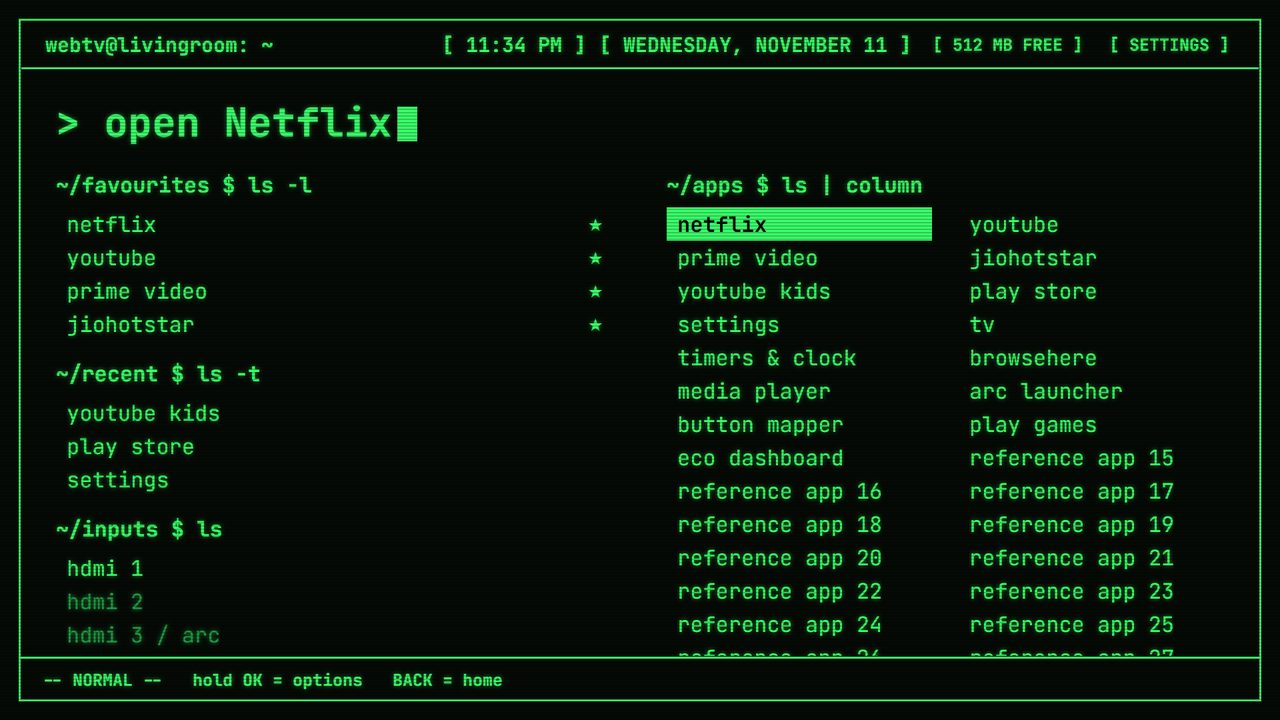
Phosphor on a TV

Phosphor

Level 1 · Lite · score 100 · 46 KB

A 1980s green-screen terminal as your home screen. Level 1: only CSS on the launcher's own layout, no scripts.

Level 1: only CSS on the default layout. Static glow and scanlines, three colours.

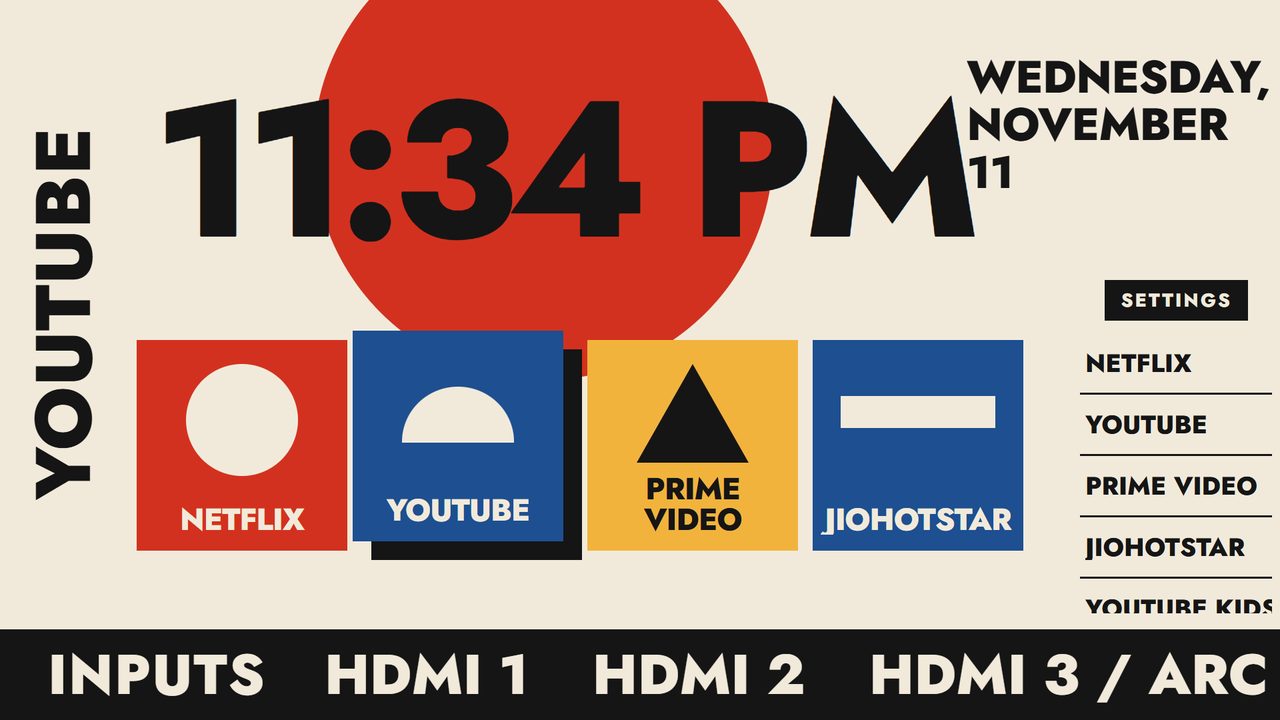
Bauhaus on a TV

Bauhaus

Level 2 · Lite · score 100 · 26 KB

A 1920s poster as your home screen: a giant clock over a red circle, primary-colour blocks with one shape each, and the focused app set vertically. Level 2: a layout file and CSS.

Level 2: its own layout file plus CSS. Flat shapes, no pictures, the fastest skin here.

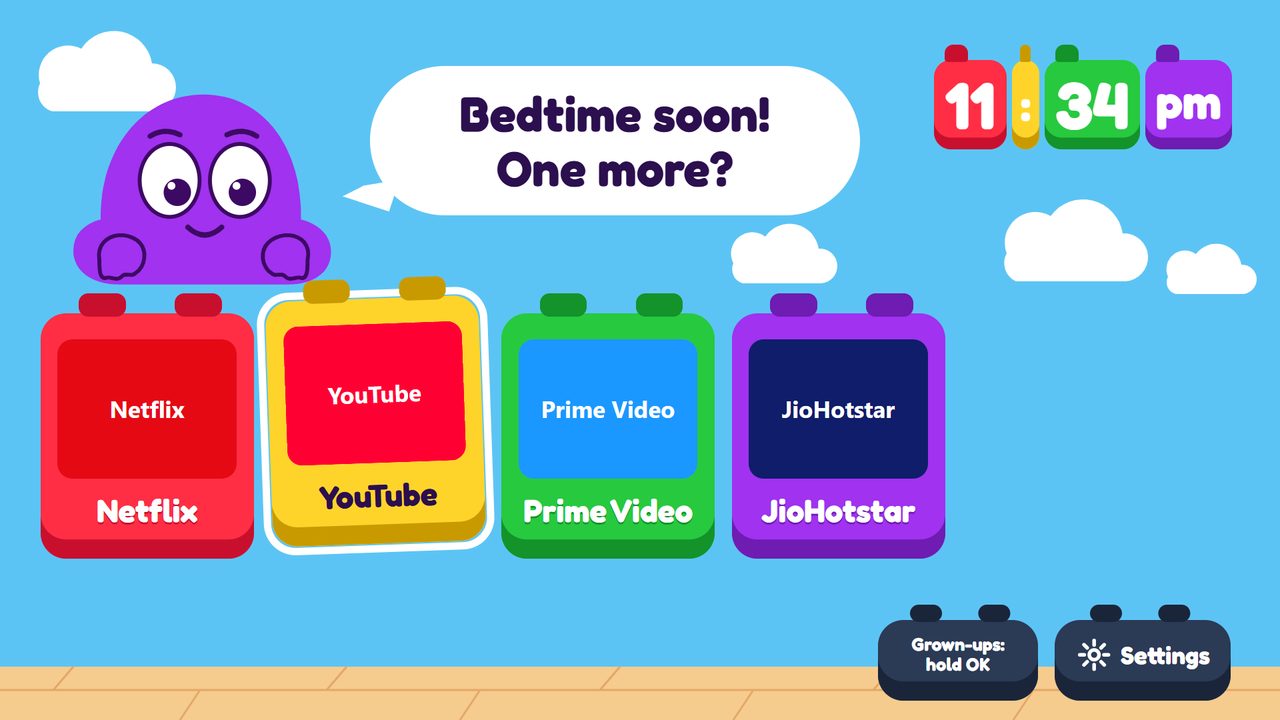
Playroom on a TV

Playroom

Level 3 · Lite · score 90 · 39 KB

A toy box for children: chunky building blocks, a clock made of toy blocks and a friendly mascot that looks at what you pick. Other apps stay behind a grown-up switch.

Level 2 for children: big blocks, a mascot that looks at the focused block.

Tiers come from lx bench --tv on a Sony Bravia (Mali-G31, 2 GB). Lite, Standard and Rich pass every gate. Heavy skins failed only a smoothness gate: the TV uses them only when you turn on Launcher settings → Allow heavy skins.